

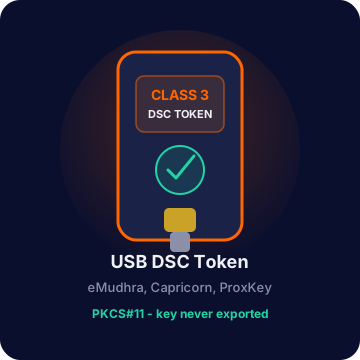
Token stays secure
Class 3 credentials remain on the USB device. No PFX upload required for USB signing.
Incite Gravity · Class 3 digital signatures
IG E-Sign is the developer-first platform for PFX and USB DSC signing, GSTIN verification, and E-way bill and e-invoice print — with audit trails, tenant isolation, and a Windows agent that keeps private keys on the token.
100 signatures / month free
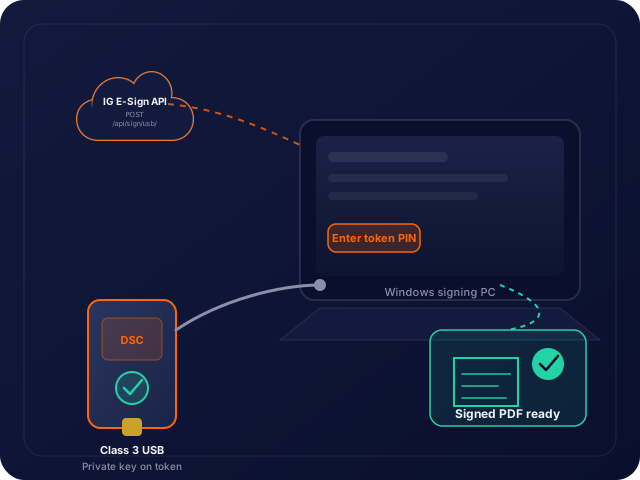
Class 3 credentials remain on the USB device. No PFX upload required for USB signing.
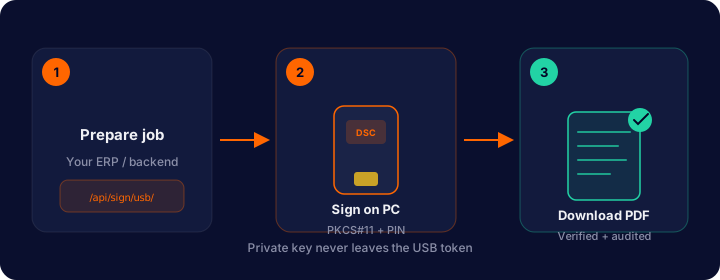
Cloud prepares the job. Windows agent signs with PKCS#11. Your backend polls and downloads.
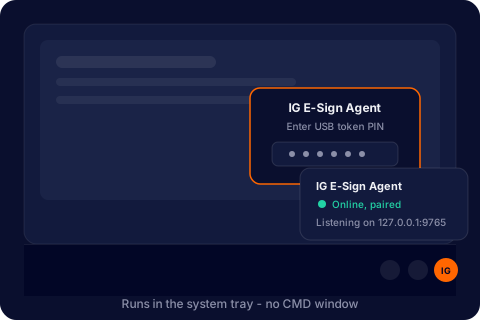
Pair once from the portal. Agent runs in the tray and prompts for the token PIN when needed.
Platform
PFX API, Class 3 USB tokens, GST services, and a production portal — one account, one audit log.
Private key stays on the token. Your ERP or portal prepares the job in the cloud; the IG E-Sign Agent signs via PKCS#11 on Windows. PIN entry never leaves the signing PC.
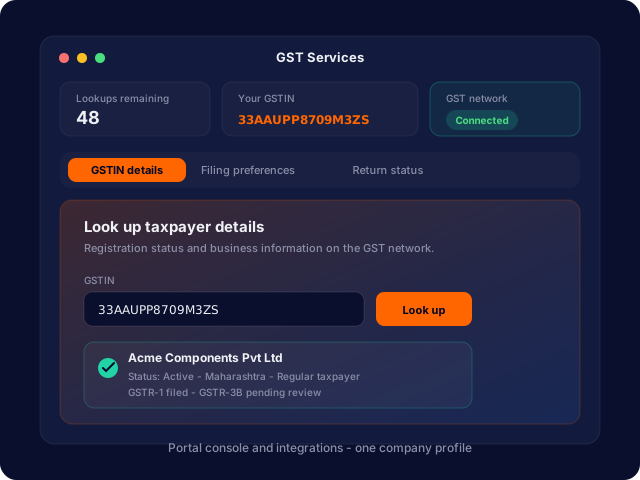
Verify GSTIN, print E-way bills, and download e-invoice PDFs by IRN — separate monthly quota from signing.
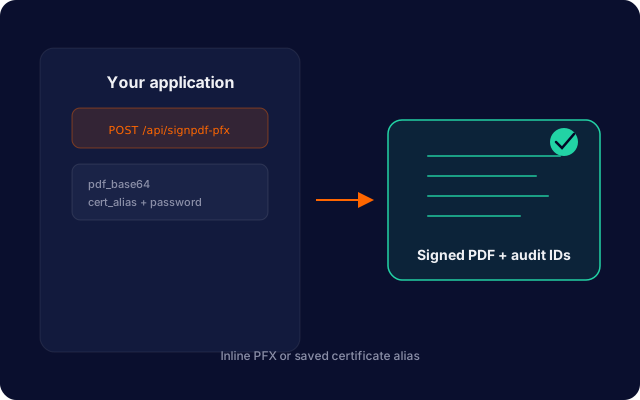
REST signing with inline PFX or saved certificate aliases. Automatic anchor detection and placement.
Pair once, run in the system tray, sign from localhost for browser and ERP workflows.
SHA-256 hashes, document type, client IP, and endpoint logged on every signature and GST call.
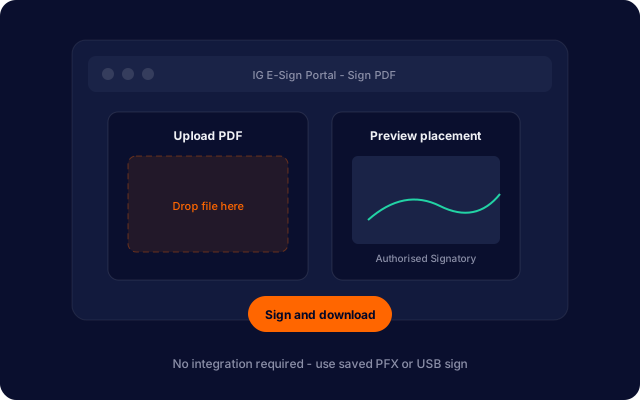
Upload, preview placement with PDF.js, sign in-browser, and download — no integration required.
GST services
Look up GSTIN details and download compliance PDFs without leaving IG E-Sign — dashboard or API.
Three ways to sign
Choose the path that fits your team. All flows share quotas, certificates, and audit logging.
Trust & compliance
Legally valid digital signatures with PFX or Class 3 USB DSC, plus GSTIN verification and E-way / e-invoice print for Indian compliance workflows. Multi-tenant isolation, rate limits, and full traceability in your dashboard.
ISO 27001:2022 · Incite Gravity
Create a free account and start signing via API, desktop agent, or browser — with GST services when you need them.